Glossary
Work Package
WP, Work Package Description
A work package is the smallest unit in a work breakdown structure (WBS) that you don't break down further. It describes a defined amount of work with a result, one responsible person, a due date, and a budget. Work packages are the level at which you estimate, plan, and control a project.
Work packages connect the structure of a project with scheduling. The WBS breaks the project down from top to bottom into phases or subprojects and below them into work packages. Only then do you define the activities, durations, and dependencies for each package. The article WBS vs. Project Schedule vs. Project Plan explains how the three relate.
What goes into a work package description?
- WBS code and name: a unique number (e.g. 2.3) and a name made of verb and object, such as "Set up test environment".
- Result: Which deliverable does it produce?
- Scope and exclusions: What is included, and what is explicitly not?
- Responsible person: exactly one person who delivers the package.
- Effort and duration: estimated work in person-days and the resulting duration.
- Dates: planned start and planned finish.
- Cost: staff, material, and external costs.
- Prerequisites and interfaces: Which results from other packages does it need, and who receives its result?
- Acceptance criteria: How does everyone involved know the package is done?
Example: work package "Set up test environment"
Example from introducing a new ticketing system:
| Field | Content |
|---|---|
| WBS code | 2.3 |
| Name | Set up test environment |
| Result | Running test instance with anonymized customer data |
| Not included | Production system, user training |
| Responsible | System administrator of the IT team |
| Effort | 6 person-days |
| Duration | 2 weeks |
| Cost | 4,800 EUR (6 person-days × 800 EUR) |
| Prerequisites | 2.1 License purchased, 2.2 Server provided |
| Acceptance | Business department reports 10 test cases as passed |
How big should a work package be?
Many practitioners use the 8/80 rule as a rule of thumb: a work package covers at least 8 and at most 80 working hours. No standard defines the rule; adapt it to project size and reporting cycle. Three questions help you decide:
- Can you estimate the effort without major uncertainty?
- Can a single person take responsibility?
- Can the team finish the package within one reporting period, for example between two status meetings?
Packages that are too large hide delays until shortly before the end. Packages that are too small inflate planning and reporting.
What is the difference between a work package, an activity, and a milestone?
- Work package: element of the work breakdown structure. It defines what is produced and who is responsible.
- Activity: element of the schedule with duration and dependencies. A work package consists of one or more activities.
- Milestone: point in time without duration. It often marks the completion of one or more packages.
How do you create work packages in Merlin Project?
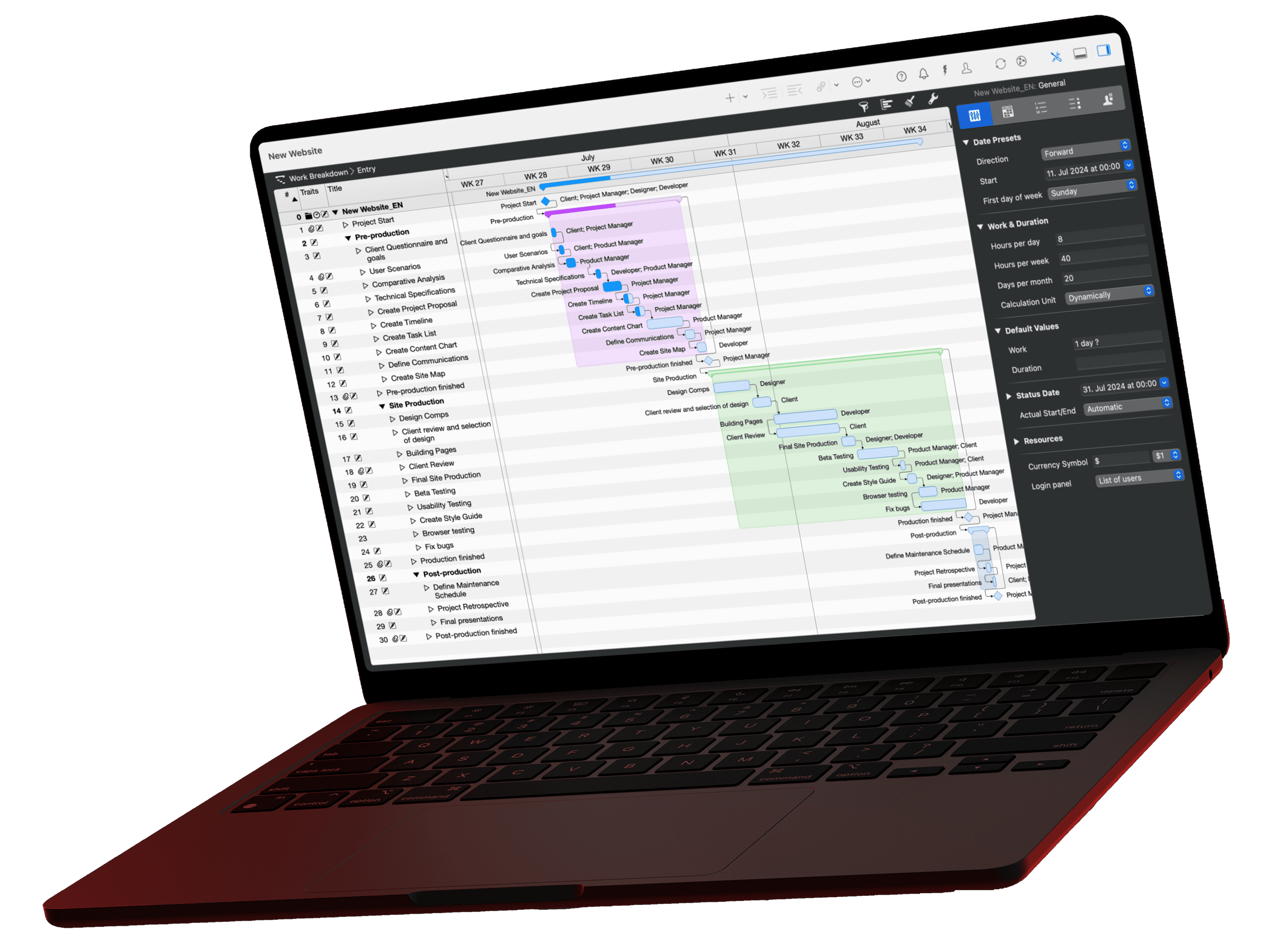
In Merlin Project, represent a work package as a group in the Work Breakdown (View › Work Breakdown › Entry). Create the package as an activity and add the individual activities beneath it with Insert › Child (Alt+Cmd+G). This turns the activity into an activity group, and Merlin Project calculates the group's duration and time span from the activities it contains. For a small package without subdivision, a single activity is enough.
Every row automatically gets a WBS code based on its position in the Work Breakdown, such as 2.3 for the third package in the second phase. Define the format with prefix, digits or letters, and separator in the Project Settings on the Codes tab, WBS Codes tab. The Organizational Chart project view in the Net Plan shows the work breakdown structure as a tree with title and WBS code on each card. WBS codes are available in Merlin Project only, not in Merlin Project Express.